A little room
for your desktop
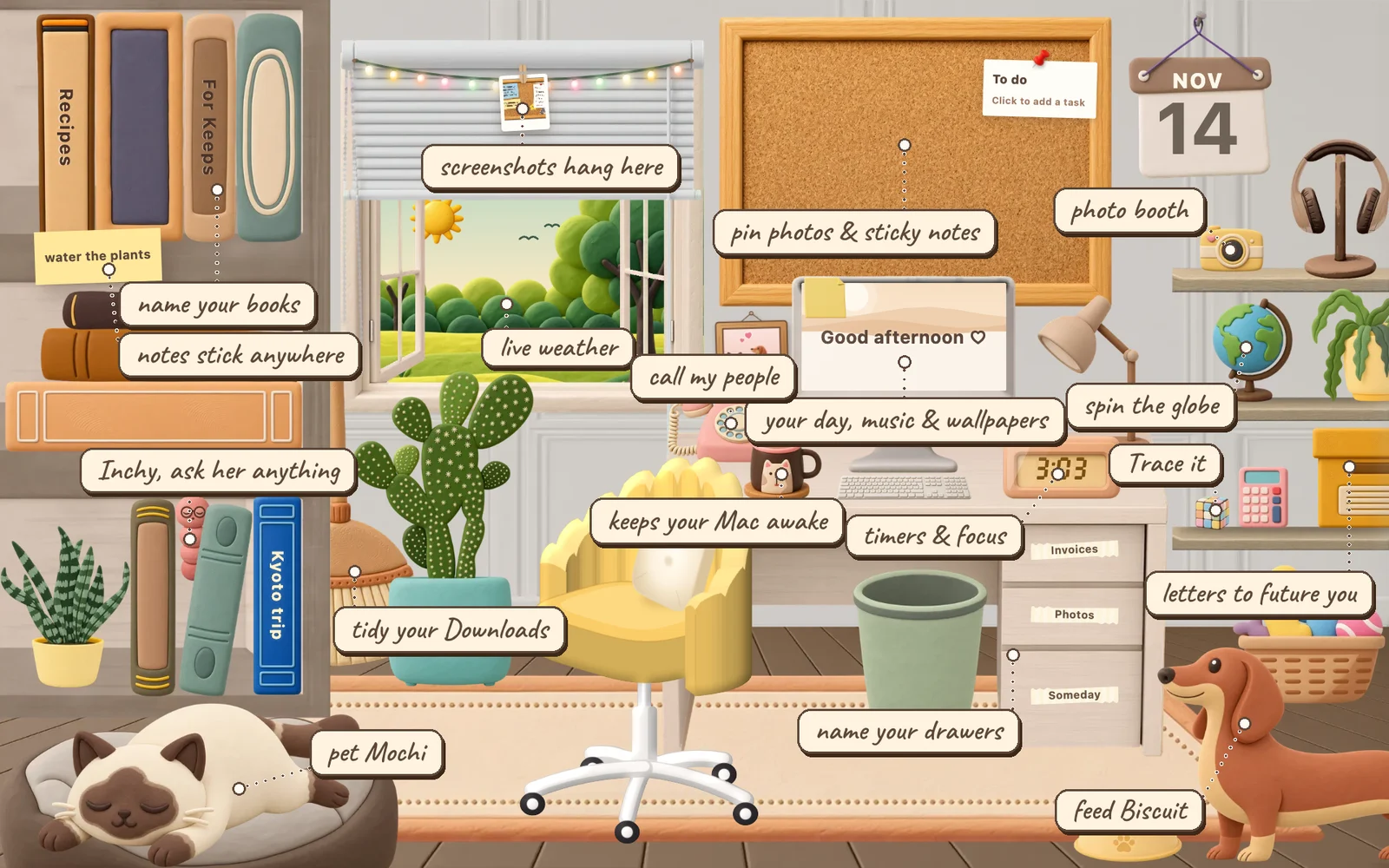
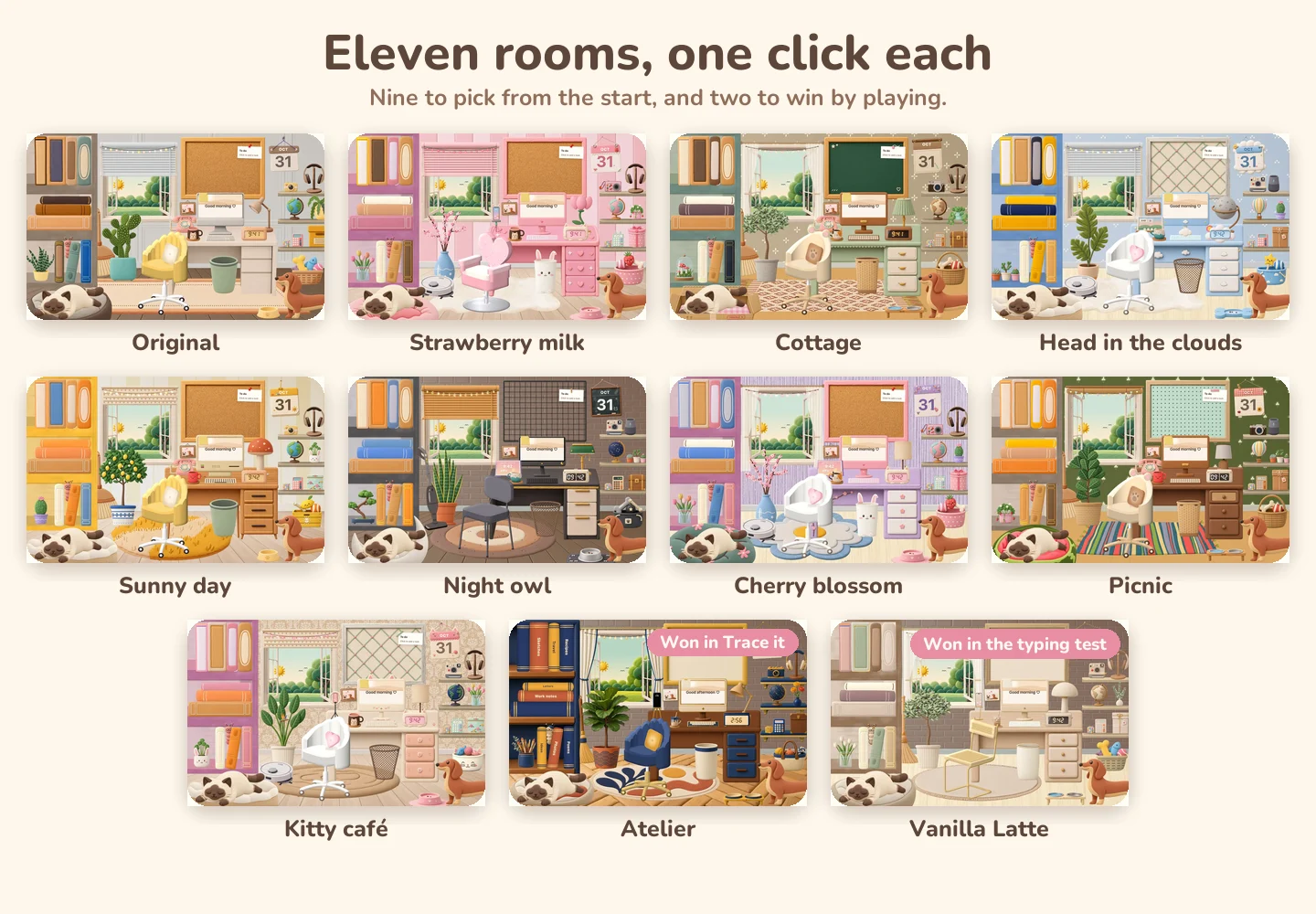
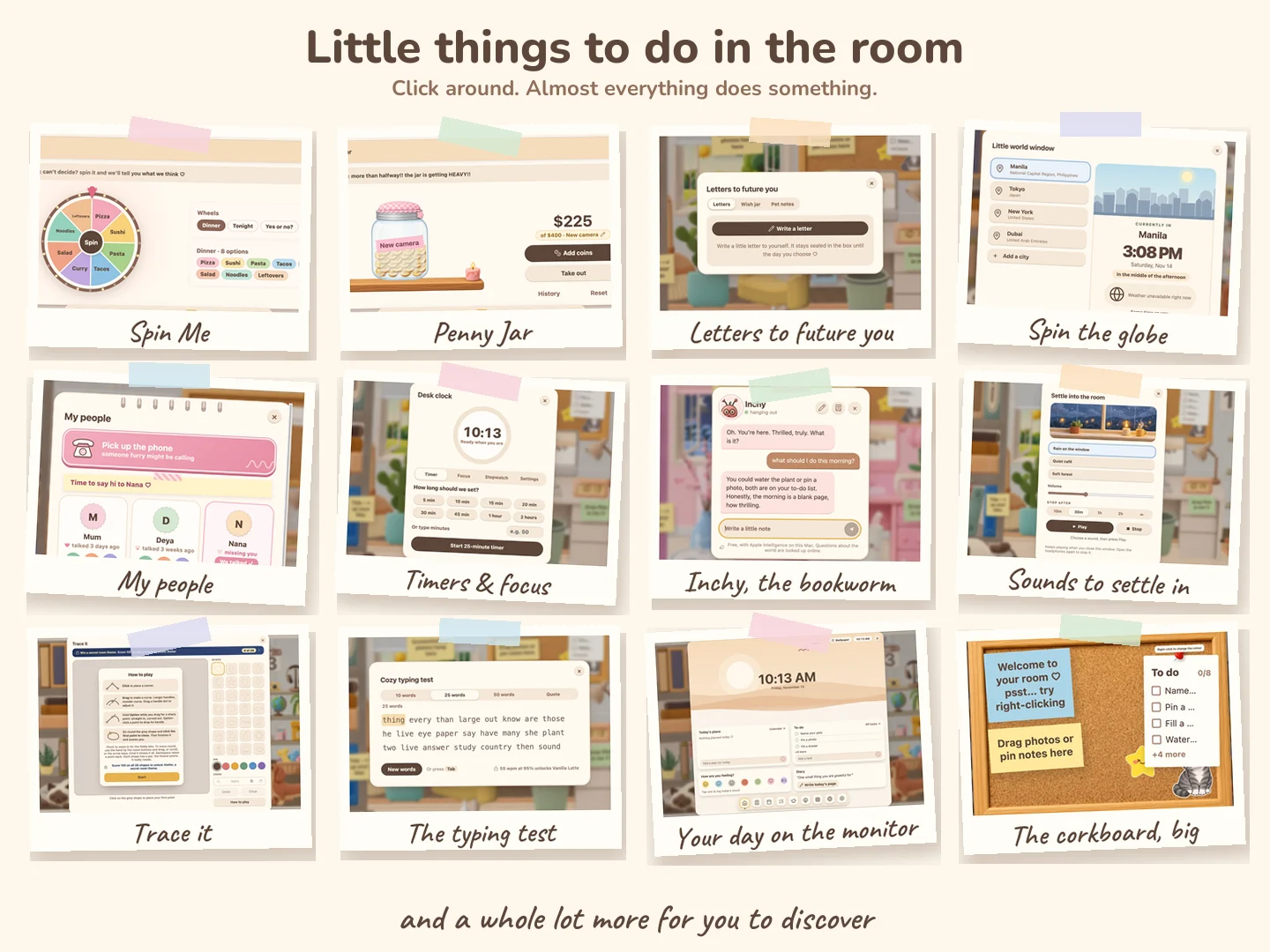
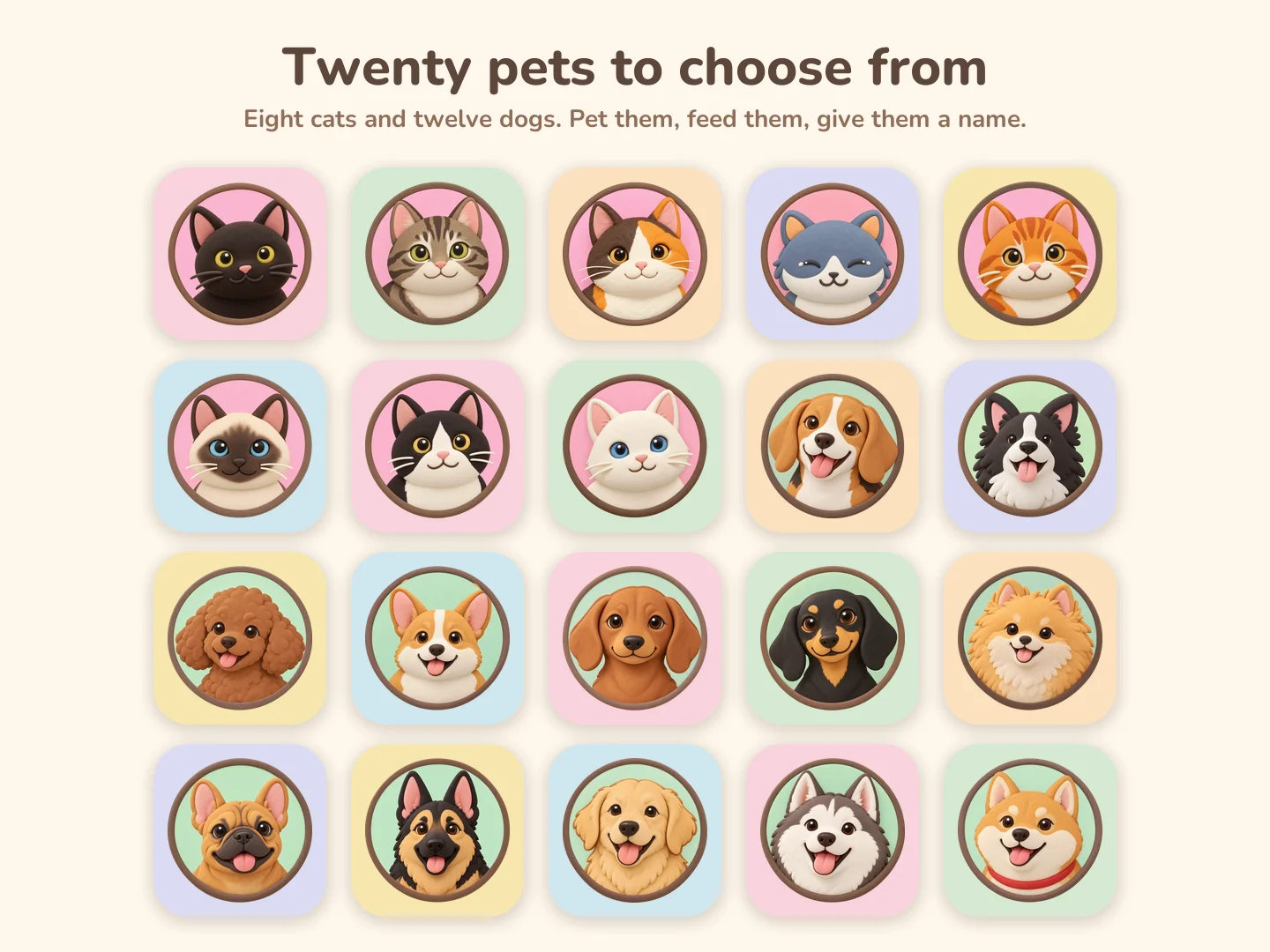
Pin your photos, keep your to-dos, look after a pet and change the room whenever you like. It lives on your Mac, right behind your windows.
For Macs with an Apple chip, macOS 13 or later





Your notes, photos and chats stay on your Mac.
It's light, too: about as much memory as a couple of browser tabs, and it sits idle while you work.
Set up in a minute
- Get it on Gumroad. Your receipt email has the download and your licence key.
- Drag Pocket Room onto Applications in the window that opens.
- Open it. If your Mac says it can't verify Pocket Room, click Done, then go to System Settings, Privacy & Security and click Open Anyway. Only the first time.
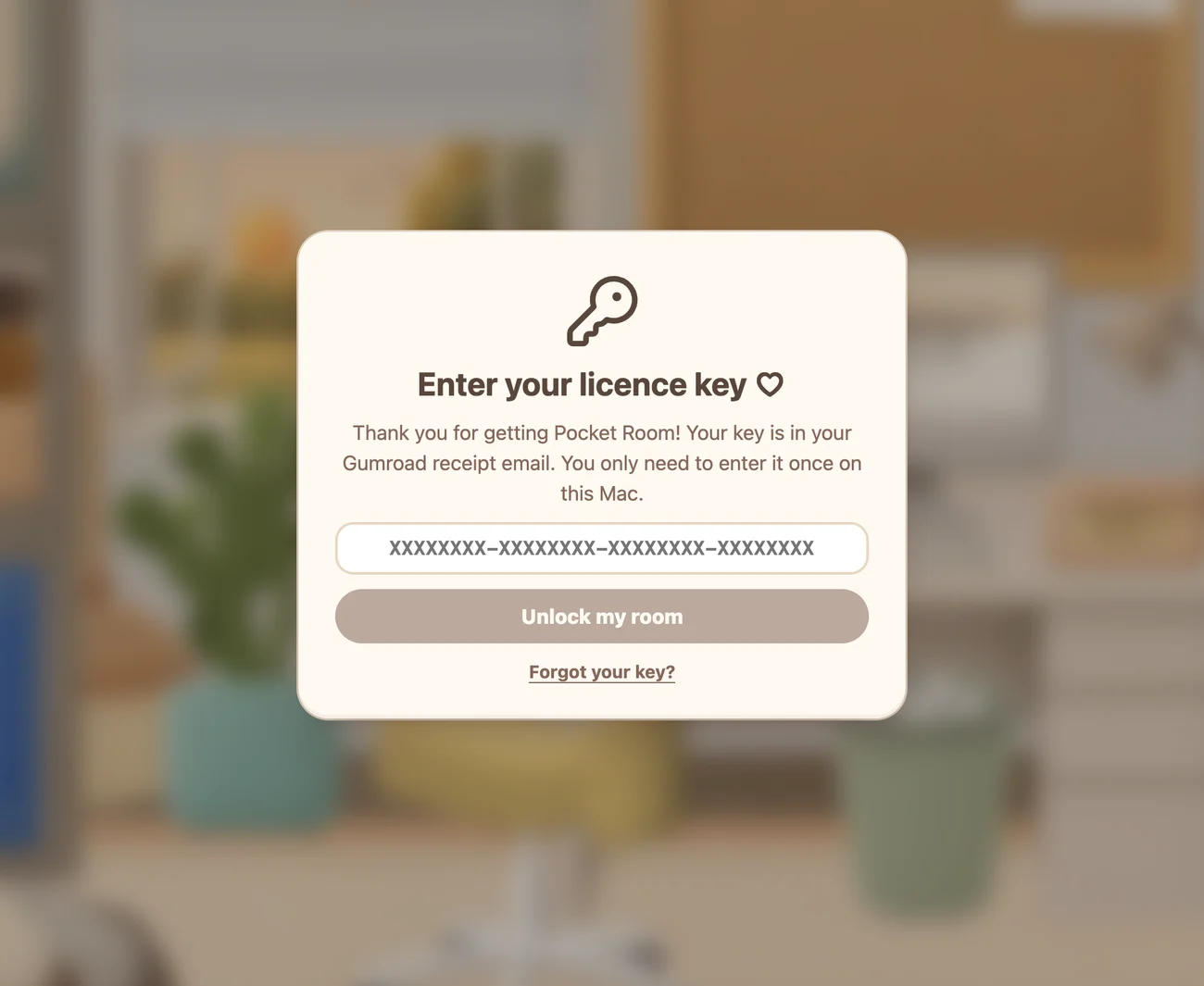
- Paste your licence key and follow the short welcome.
Stuck? Write to cozyroomsupport@gmail.com and I'll help.